

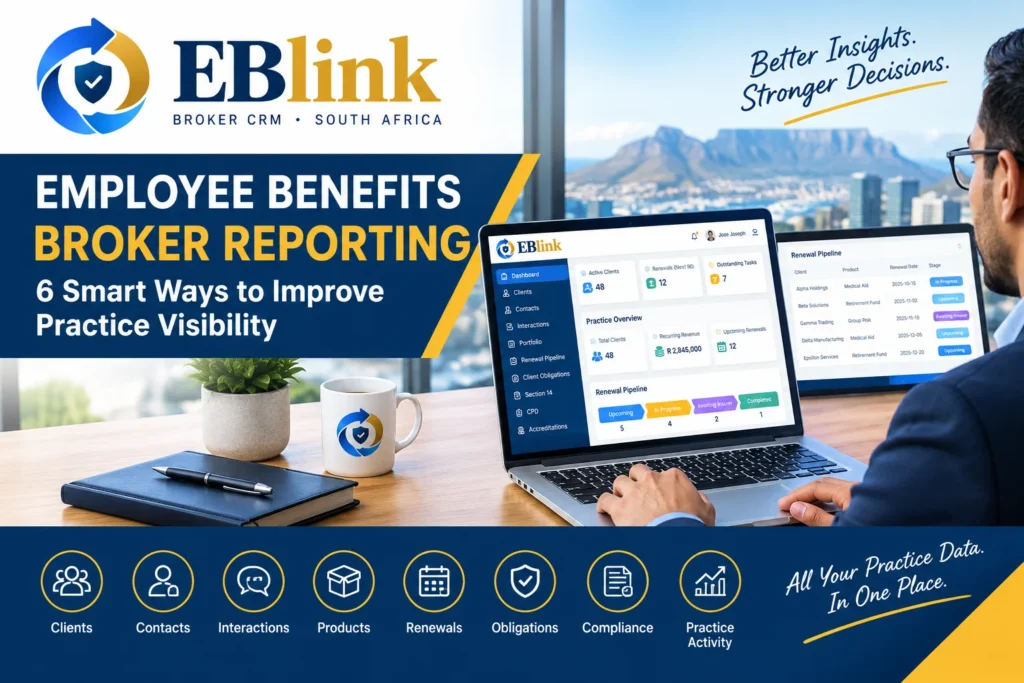
Employee Benefits Broker Reporting: 6 Smart Ways to Improve Practice Visibility. Running an employee benefits brokerage means managing a constant flow of information.
Client numbers, products, renewals, revenue, outstanding activities and day-to-day practice work all contribute to the bigger picture of the business.
The challenge is knowing what that information is telling you.
When data is spread across spreadsheets and separate systems, it can take time to build a clear picture of the practice.
This is where employee benefits broker reporting can become valuable.
Good reporting is not simply about producing numbers. It is about making important practice information easier to understand and use.
For South African employee benefits brokers, a structured reporting approach can help provide greater visibility across the book of business.
Here are six practical ways to improve reporting within an employee benefits practice.
1. Start With the Overall Practice Picture
The first step in effective employee benefits broker reporting is understanding what is happening across the practice.
Looking at individual clients can provide useful information, but brokers also need a broader view.
A practice dashboard can help bring important information together, such as:
- Active clients
- Recurring revenue
- Upcoming renewals
- Outstanding activities
- Product information
- Renewal stages
- Book-of-business activity
- Items requiring attention
Instead of manually combining information from different spreadsheets, brokers can start with a central overview.
This can make it easier to identify areas that deserve a closer look.
2. Monitor Your Book of Business
A brokerage’s book of business contains valuable information about the clients and products it manages.
However, the information becomes more useful when it can be viewed as a whole.
A broker may want to understand:
- How many active clients are being managed
- Which products are represented across the book
- Which areas are generating recurring revenue
- Which clients have upcoming activity
- Where additional attention may be required
A CRM dashboard can provide a starting point for this analysis.
With EBlink, brokers can access a central dashboard that brings together several areas of practice activity.
This allows the broker to move from individual client records to a broader practice view.
3. Keep Renewal Reporting Visible
Renewals are a major source of ongoing activity for an employee benefits practice.
Simply knowing that a renewal exists is not enough.
Brokers also need to understand where renewals stand.
For example, a renewal may be:
- Upcoming
- In progress
- Awaiting insurer
- Confirmed
- Completed
- Not renewing
Tracking these stages can provide a clearer picture of the current renewal workload.
EBlink includes a Renewal Pipeline that gives brokers visibility into renewal dates, clients, benefit types, insurers, premiums and stages.
This can make renewal information more useful for day-to-day management.
Instead of maintaining a separate spreadsheet just to understand renewal progress, the broker can review renewal activity within the wider practice environment.
4. Use Revenue Information More Effectively
Revenue is another important part of employee benefits broker reporting.
A broker may want to understand recurring revenue and how the book contributes to the overall practice.
A dashboard can make this information easier to access alongside other business activity.
For example, revenue information can be viewed together with client and product information.
This creates more context around the numbers.
The purpose is not simply to look at a revenue figure.
It is to understand that figure alongside the clients, products and activities that contribute to the practice.
For practice owners and managers, having this information available can support more informed internal planning.
5. Report on Areas That Need Attention
Good reporting should help identify work that requires attention.
A long list of information is not necessarily useful if it does not help the broker identify what needs to happen next.
This is why employee benefits broker reporting should connect information with action.
For example, a broker may want visibility into:
- Upcoming renewals
- Outstanding obligations
- Pending activities
- Client follow-ups
- Practice tasks
- Other items requiring attention
EBlink’s dashboard includes areas designed to highlight practice activity and items requiring attention.
This can help brokers move from simply reviewing information to identifying where action may be needed.
6. Turn Practice Data Into Better Decisions
The ultimate purpose of reporting is to support better day-to-day management.
When information is organised, brokers can ask more useful questions.
For example:
Which renewals are coming up?
Review the renewal pipeline.
How large is the active client book?
Review the client overview.
What products make up the book?
Review product information.
Where is outstanding work building up?
Review obligations and practice activity.
What is happening with recurring revenue?
Review the relevant dashboard information.
The value comes from connecting these pieces rather than treating each number as a separate report.
Why Reporting Matters for South African Employee Benefits Brokers
A growing brokerage can quickly accumulate large amounts of information.
If that information is difficult to access, practice management can become more time-consuming.
South African brokers may manage employer groups of different sizes, multiple benefit products, different insurers and a wide range of client activities.
That makes visibility increasingly important.
A structured CRM can provide a central environment where information is recorded consistently and reviewed through the wider practice dashboard.
This does not replace professional judgement or financial analysis.
Instead, it gives the brokerage a more organised source of operational information to work with.
Reporting Should Start With Accurate Information
Even the best dashboard cannot provide useful information if the underlying records are incomplete or outdated.
That is why reporting and data management should work together.
Brokers should regularly review information such as:
- Client details
- Contact information
- Product records
- Renewal dates
- Premium information
- Interaction history
- Outstanding obligations
Keeping records current helps ensure that the information being viewed by the practice reflects the latest available data.
This is another reason why a connected CRM can be useful.
When different areas of the practice are maintained within the same system, the information can be easier to review and update.
How EBlink Supports Employee Benefits Broker Reporting
EBlink provides a dashboard designed to give brokers a broader view of their practice.
The platform brings together information from different areas of the brokerage, including:
Clients
View and manage employer relationships.
Contacts
Keep important client contacts connected to their relationships.
Interactions
Maintain visibility into client-related activity.
Products
Organise product information across the book.
Renewal Pipeline
Monitor renewal dates and stages.
Client Obligations
Keep outstanding and completed activities visible.
Practice Dashboard
Review key business and operational information from one place.
This connected approach can make employee benefits broker reporting more useful because the information is linked to the actual workflows of the practice.
From Spreadsheet Reports to Live Practice Visibility
Many brokerages begin by creating reports in spreadsheets.
A spreadsheet may contain client information, renewal dates, revenue calculations or other business data.
The challenge is that these reports often require manual maintenance.
If the underlying information changes, the spreadsheet may need to be updated separately.
A CRM can provide another approach.
Instead of creating a report from disconnected information, brokers can work from a central practice-management system where important information is maintained as part of everyday workflows.
The result can be a more current view of the practice without rebuilding the same report repeatedly.
What to Look For in Broker Reporting Software
If you are evaluating a CRM or practice-management platform, consider whether it allows you to see:
- Client activity
- Renewal activity
- Revenue information
- Product information
- Outstanding work
- Practice activity
- Important client information
Also consider how easily the information can be accessed by the people who need it.
Reporting should be practical.
If it takes too much effort to find the information, the report may not be useful for everyday practice management.
Final Thoughts
Effective employee benefits broker reporting is about more than producing numbers.
It is about creating visibility.
When client information, products, renewals, revenue and practice activities are organised in one environment, brokers can develop a clearer understanding of what is happening across their book.
For South African employee benefits brokers, this can provide a useful foundation for managing a growing practice.
EBlink brings key areas of broker practice management together, giving brokers a central dashboard for reviewing important client and practice information.
The goal is simple:
Less time building reports. More time understanding the practice.
Our Social Handles: